How to Play a Review Game that is Unfair in Your Classroom (Without Spending Hours Making It)
If you’re looking for a classroom review game that gets students excited, competitive, and completely engaged, an Unfair Review Game might become your new favorite teaching strategy.
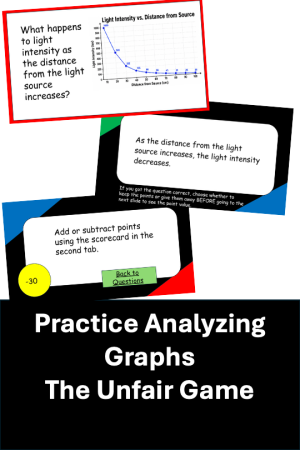
Unlike traditional review games where students simply answer questions for points, an Unfair Game adds strategy, surprise, and suspense. Students never know whether a question is worth positive or negative points, and they must decide whether to keep the points or give them away before the point value is revealed.
The result? A fast-paced review game students absolutely love.
Even better, you do not need to spend hours building complicated linked slides or designing the game board yourself.
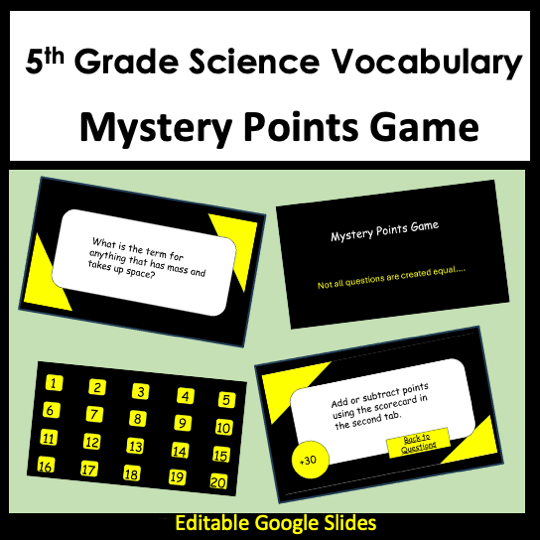
I created an editable Unfair Review Game Template that already has all the slides linked and organized for you, so you can simply type in your own questions and start playing.
What Is An Unfair Review Game?
An Unfair Review Game is a classroom review game where teams answer questions and then make a strategic decision:
Keep the points for themselves
OR give the points to another team
Here’s the catch…
Students do not know if the point value is positive or negative until after they choose.
That means:
A team might accidentally give another group +50 points
Or they might dump -40 points onto another team
Every question becomes exciting because anything can happen
This unpredictability keeps students engaged from beginning to end.
Why Teachers Love An Unfair Review Game
High Engagement
Even students who normally do not participate get involved because every turn matters.
Perfect for Review Days
Use it before:
Science tests
State testing
Unit exams
End-of-year review
Vocabulary practice
No Prep Once the Template Is Ready
The hardest part of making games like this is usually:
Linking slides
Creating navigation buttons
Building the question board
Organizing answers
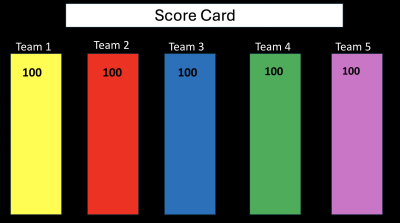
Making score systems
That is exactly why I made the template.
Teachers can simply:
Type in questions
Add answers
Change point values if desired
Play immediately
How to Play An Unfair Review Game
Step 1: Divide Students Into Teams
Most teachers use:
2 teams
3 teams
Or even 4 small groups
The game works well with almost any class size.
Step 2: Teams Choose a Number
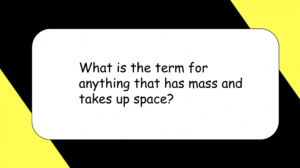
Each number on the game board links to a question slide.
Questions can be:
Multiple choice
Short answer
Vocabulary
Diagrams
Review questions
Test prep
Step 3: Students Answer the Question
The team has a limited amount of time to answer.
After discussion, reveal the correct answer.
Step 4: The Team Chooses “Keep” or “Give”
Before seeing the point value, the team decides:
Keep the mystery points
OR give them to another team
This is what makes the game so fun.
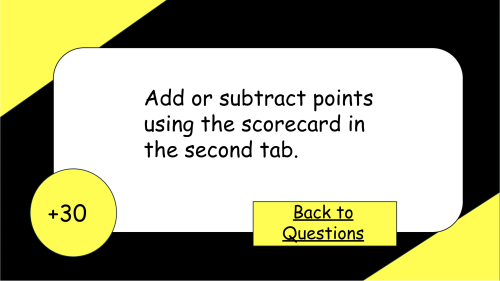
Step 5: Reveal the Point Value
The next slide reveals whether the points are:
Positive
Negative
Small
Huge
The room usually erupts at this point.
Step 6: Continue Until All Questions Are Used
At the end, the team with the highest score wins.
Best Subjects for an Unfair Review Game
This game works with almost any topic, including:
Science review
Math facts
Vocabulary
Reading comprehension
Social studies
Test prep
Seasonal themes
Holiday games
I especially love using it for:
Science vocabulary
NGSS review
State test prep
Bellringer review
End-of-year activities
The Easiest Way to Make Your Own Unfair Review Game
Honestly, building one of these games from scratch can take forever.
Linking every slide manually is tedious and frustrating.
If you want a classroom game that students beg to play again, an Unfair Review Game is a fantastic option.
And if you do not want to spend hours linking slides yourself, my editable template does all the hard work for you.